
Messaging and Chat
Last updated 25 October 2024 Read time 2 min
- Contents
- Overview
- Messaging and Chat
- Important Guidelines for Edurs
- Managing Messages
Overview
Effective communication is essential to building strong relationships with students on Toedur. The platform provides convenient messaging and chat features that allow students to initiate contact and Edurs to respond promptly and effectively. Here’s how Edurs can make the most of these tools.
Messaging and Chat
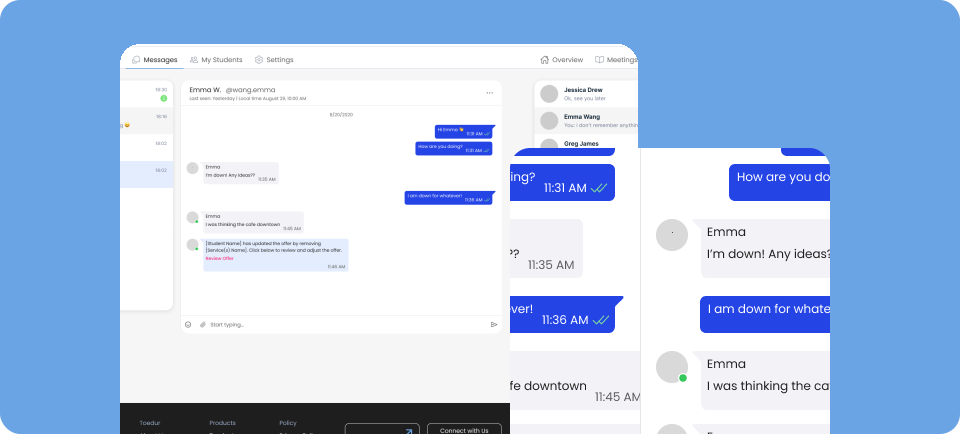
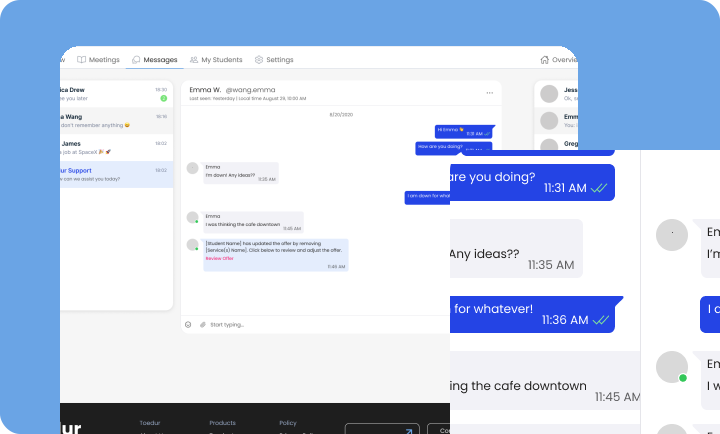
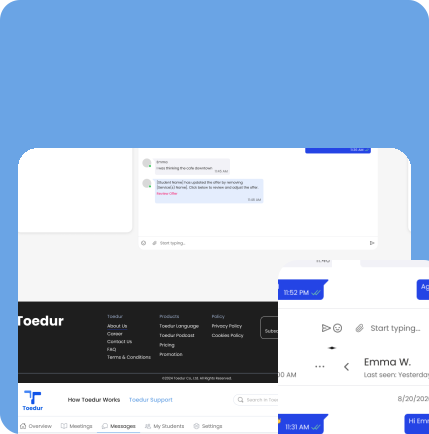
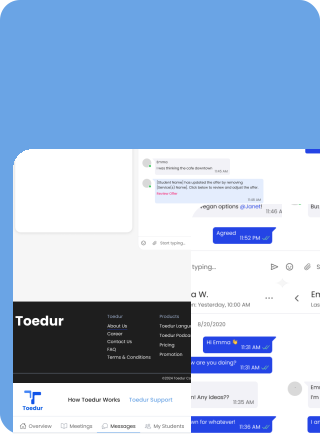
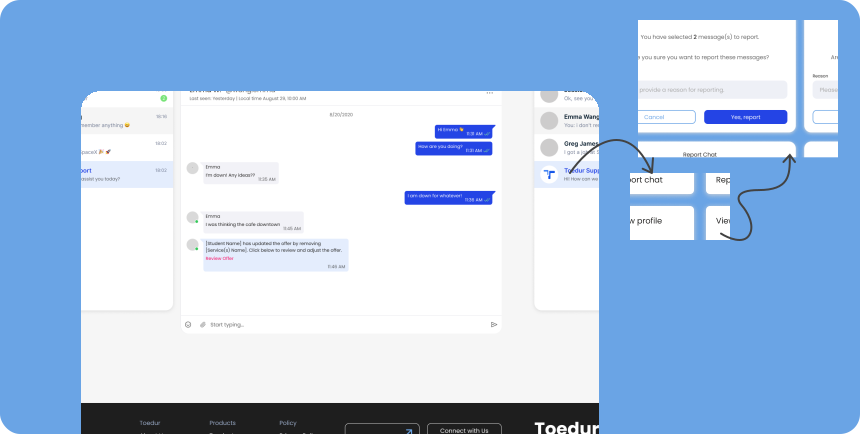
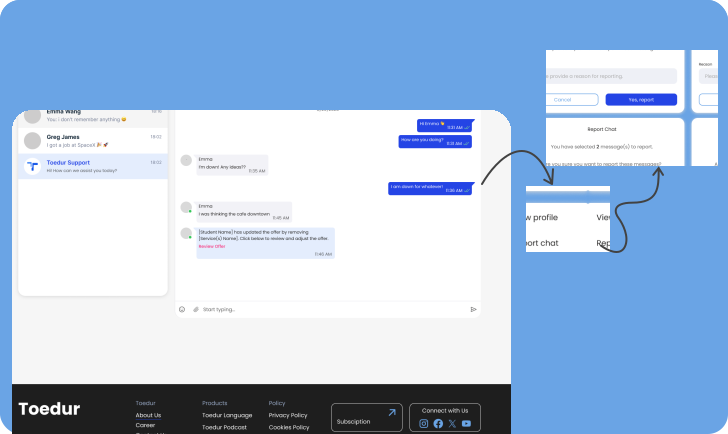
Toedur’s messaging system enables students to reach out to Edurs directly for consultations, inquiries, or support.
- How Students Reach Out: Students initiate a conversation by visiting the Edur’s profile or consultation page. They can ask about availability, session scheduling, or advice through the chat.
- How Edurs Respond: Once a student reaches out, Edurs can reply through the chat, sending quick responses, sharing links, and providing helpful resources.
Key Chat Features:
- Real-Time Notifications: Edurs are notified when a student sends a message, provided they are online.
- Online Status Visibility: Students can see if Edurs are online.
- Last Seen Timestamp: Students can view the last active time of Edurs. Read Receipt Status: Edurs can see when their message has been read.
- File Transfer Between Users: Edurs can send files directly in the chat. Chat History Viewing: Edurs can view past conversations for reference.
Important Guidelines for Edurs
- Do not answer Service Worth Questions: As an Edur it is forbidden to answer consultation or mentoring worth questions before the offer payments. Toedur has a right to detect these Edur profiles and suspend their account if there are any malicious activities.
- Do not send personal information or payment methods: As an Edur it is forbidden to send your Phone number to students as Toedur has its own chat systems. That is also dangerous for Students payment security if Edur is willing to get paid via other ways such as IBAN, Paypal and so on….
Managing Messages
As Edurs interact with multiple students, managing messages can become challenging. Here are some tips to help keep conversations organized and efficient:
- Prioritize Your Responses: Students may reach out with urgent questions or consultation requests. Use your judgment to prioritize and respond to the most time-sensitive messages first, ensuring that no student is left waiting too long.
- Organize by Conversation Threads: Each student’s inquiry appears as a separate conversation thread. This allows Edurs to keep track of ongoing discussions and refer back to previous messages quickly.
- Archiving Completed Conversations: Once a consultation or message thread is complete, consider archiving the conversation. This helps keep your active inbox focused and free from distractions.
Give us feedback
Was this article useful?
Next Article

Video Call Tips
Learn about Video Call Tips
Last updated 10 October 2024Read time : 2 min