
Setting Communication Expectations
Last updated 25 October 2024 Read time 2 min
- Contents
- Overview
- Guidelines for Clear Communication
- Handling Non-Responsive Students
Overview
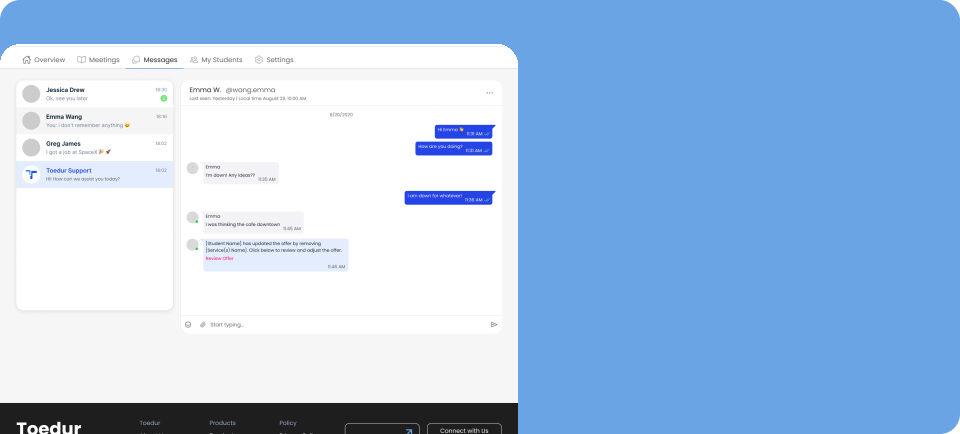
Clear communication is key to building trust and ensuring a smooth experience for both Edurs and students on Toedur. By setting clear expectations from the start and having strategies for handling non-responsive students, Edurs can foster better communication and avoid misunderstandings.
Guidelines for Clear Communication
Setting the right communication expectations helps both Edurs and students stay on the same page and ensures that interactions are smooth and professional. Here are some tips for establishing these expectations:
- Be Clear About Availability: Let students know your working hours or preferred times for consultations. This helps manage expectations around response times and availability.If you're unavailable for a period, consider setting an out-of-office message to inform students.
- Set Response Time Expectations: Let students know how quickly they can expect a reply. For instance, if you aim to respond within 24 hours, make this clear at the start. Consistency in response time helps build trust and avoids confusion.
- Encourage Direct Communication: Encourage students to send detailed messages if they have specific questions or requests. Clear and concise communication from the start helps you understand their needs better and reduces the need for follow-up clarifications.
- Use Professional Language: Always maintain a polite and professional tone in your messages. This sets a positive tone for all interactions and ensures that students feel respected and valued.
- Set Expectations for the Consultation Process: Outline the process for consultations, including how to schedule, what the student needs to prepare, and how to cancel or reschedule if needed. This reduces any uncertainty for students and ensures a smoother experience.
Handling Non-Responsive Students
It’s possible that some students may not respond to messages or fail to show up for scheduled consultations. Here’s how to handle non-responsive students:
- Give Them Time: If a student hasn’t replied, give them a reasonable amount of time to respond. Sometimes students may be busy or unable to reply immediately. A gentle reminder after 48 hours can help.
- Send a Follow-Up Message: If you haven't heard from the student after your initial communication, send a polite follow-up message. You can say something like, "I wanted to check in to see if you still needed assistance with [subject/topic]. Please let me know if you'd like to reschedule or if you have any questions!"
- Set a Clear Deadline: If a student continues to be unresponsive, set a clear deadline for when you will no longer be able to accommodate them. For example, "If I don’t hear from you by [date], I will assume you’re no longer interested in scheduling the consultation."
- Reschedule If Necessary: If a student misses an appointment, offer to reschedule at a later time. Be flexible, but set clear guidelines about cancellations and rescheduling, such as requiring 24 hours' notice to cancel without a penalty.
- Move On If Needed: If the student remains unresponsive despite your follow-up messages, it’s okay to move on. While it’s important to be patient, it's also necessary to respect your time and energy.
Give us feedback
Was this article useful?
Next Article

Managing Reviews & feedbacks
Learn about Managing Reviews & feedbacks
Last updated 10 October 2024Read time : 2 min