
Setting Up Payments
Last updated 25 October 2024 Read time 2 min
- Contents
- Overview
- Payment Methods
- Setting Your Rates
Overview
Toedur provides flexible payment options and allows Edurs to set their own rates for consultations. Here’s how to get started with payment setup and rate selection.
Payment Methods
Start by choosing your preferred payment method and setting your rates:
- Available Payment Methods: Toedur supports multiple payment methods to make receiving earnings easy. Check your account settings to see the list of supported options, including bank transfers and digital wallets.
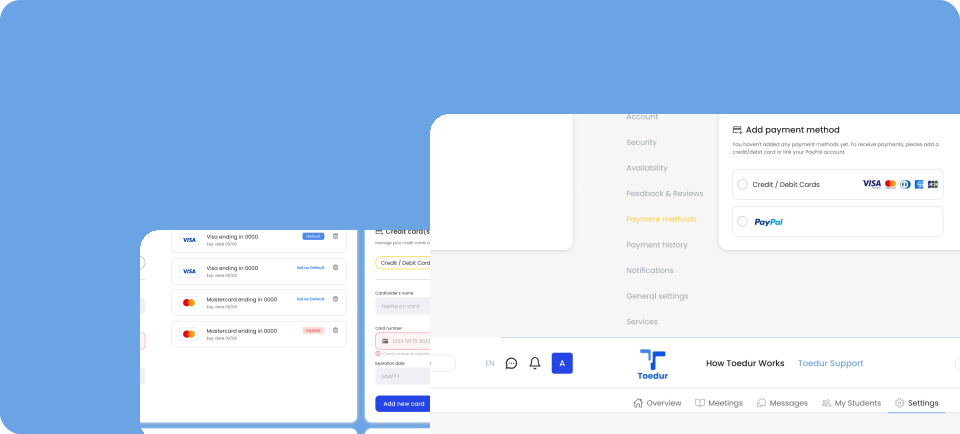
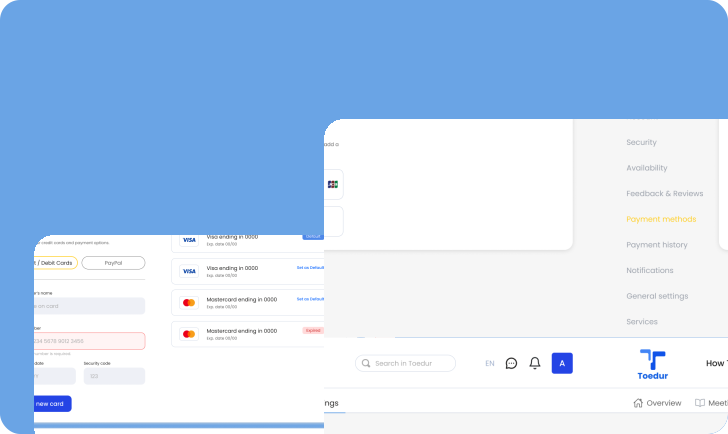
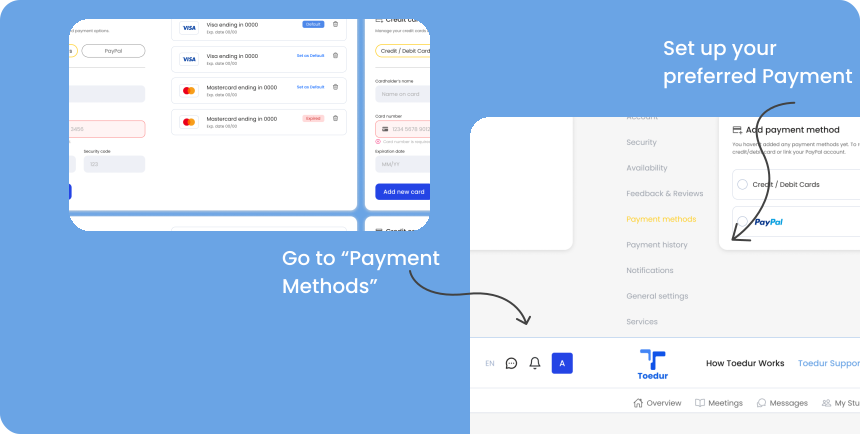
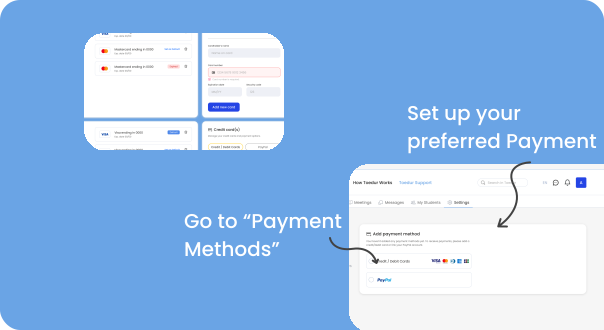
- Setting Up Your Preferred Payment: Go to “Payments Methods” in your profile settings, select your method, and enter the necessary details to ensure timely transactions.
Setting Your Rates
Choose a rate that reflects your experience and expertise:
- Determine Competitive Rates: Review average rates for similar services on Toedur to find a competitive starting point.
- Adjust Based on Experience: As you gain more consultations and positive feedback, consider adjusting your rate to match your growing expertise.
- Consider Student Affordability: Consider Student Affordability: Keep your rates balanced to attract more students while ensuring your services are valued.
Give us feedback
Was this article useful?
Next Article

Managing Your Earnings
Learn about Managing Your Earnings
Last updated 10 October 2024Read time : 2 min