
Building Your Edur Profile
Last updated 25 October 2024 Read time 2 min
- Contents
- Overview
- Updating Profile Information
- Listing Your Services as an Edur
Overview
A well-structured Edur profile is crucial for making a positive impression and effectively connecting with students seeking support. This article will guide you through updating your profile information and listing the services you offer as an Edur.
Updating Profile Information
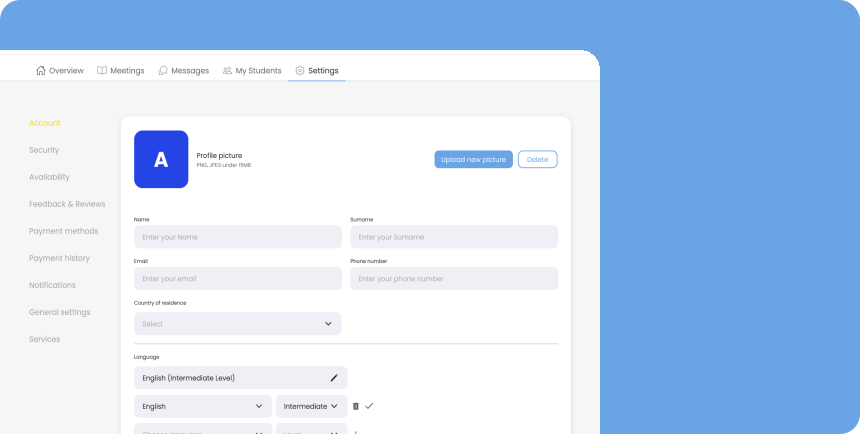
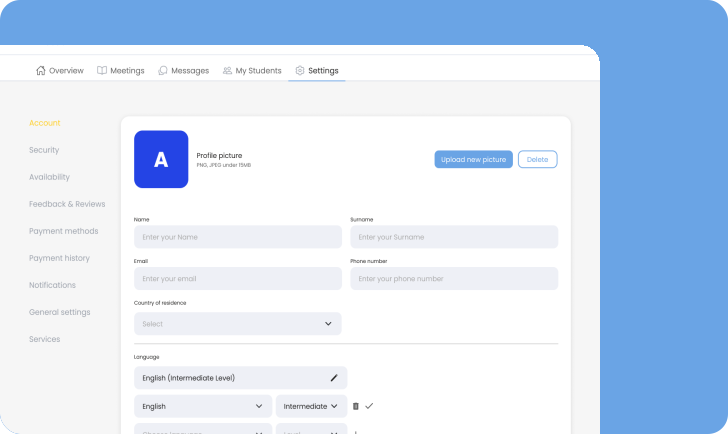
Keeping your profile information current is essential for building trust and ensuring effective communication. Here’s how to update your profile on the Toedur platform:
- Log In to Your Account: Start by logging into your Toedur account with your registered email and password.
- Navigate to Profile Settings: Access the profile settings section, typically located in the dropdown menu under your profile picture or name.
- Edit Your Information: Update the following sections as necessary:
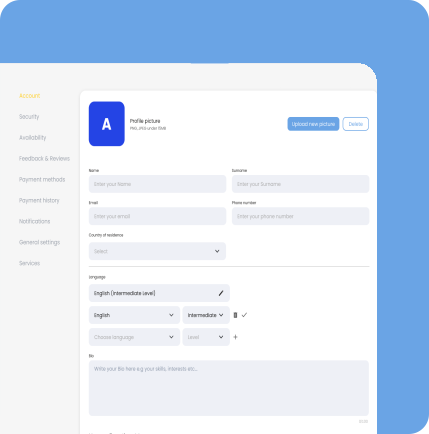
- Personal Details Change your name, contact information, or any other personal details that need updating.
- Profile Photo Consider uploading a new professional photo if your appearance has changed or if you want to refresh your profile's look.
- Academic Information Ensure that your university, field of study, and enrollment status are accurate and up to date.
- Save Your Changes: After making updates, remember to save your changes and Toedur Team will check in 24 hours for approval.
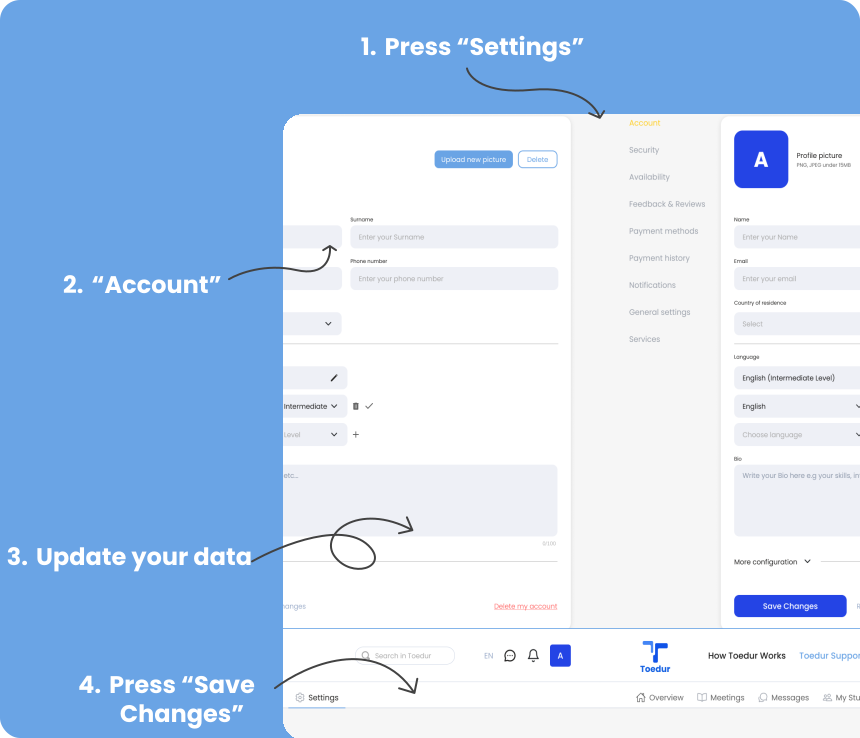
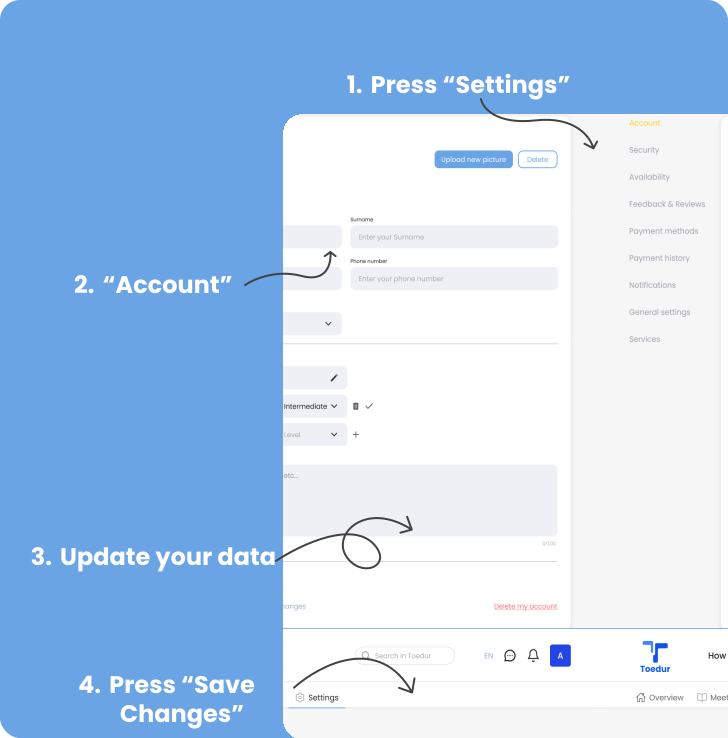
NOTE : Regularly reviewing and updating your profile helps maintain professionalism and ensures that students have the most accurate information about you.
Listing Your Services as an Edur
What is a Service? What is Not?
On Toedur, services are defined as structured mentoring offerings that provide valuable guidance and expertise. These services are curated by Toedur platform with input from Edurs to ensure they meet real needs and have market value.
- Qualifies as a Service: Practical support like visa application guidance or university application help.
- Doesn’t Qualify as a Service: Casual discussions like “Talking about Barcelona,” although structured “City Guides” are acceptable.
Examples:
- • Visa Application Support
- • University Application Submission
- • Program and Scholarship Research
One of the key responsibilities of an Edur is to provide support and guidance to students. Effectively listing your services can help students understand how you can assist them. Here’s how to showcase your offerings:
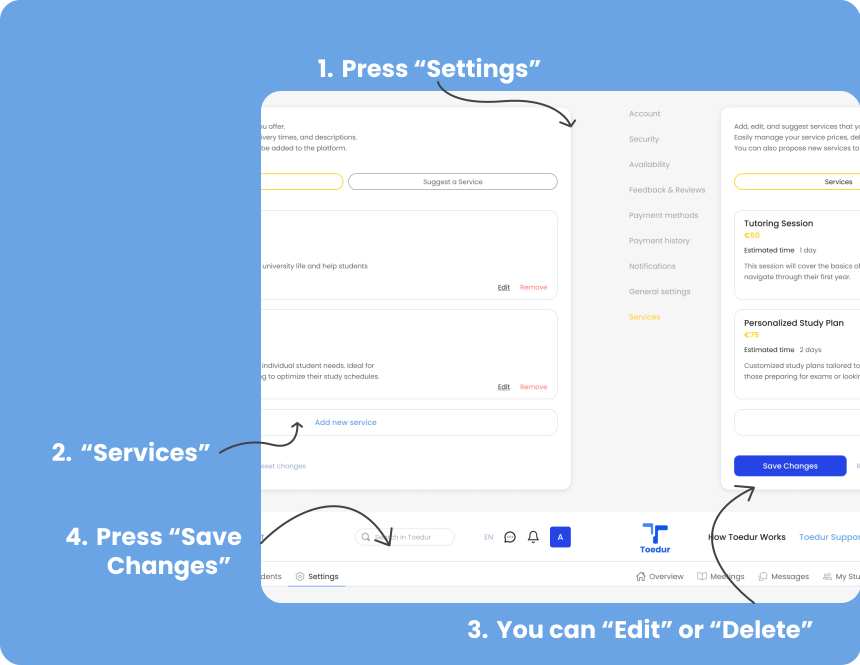
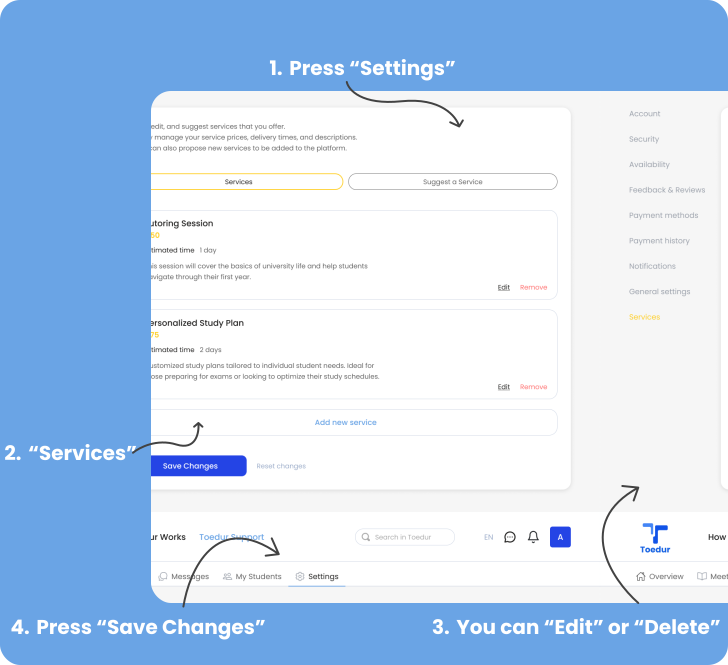
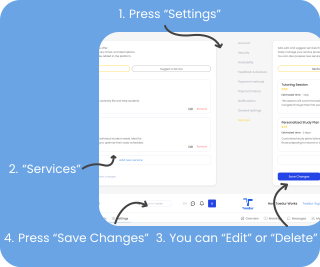
1.Define Your Services:
When you first open your account you will not have any services available on your profile for students. So you have to choose the services that you are willing to serve to the students. Consider the specific types of support you are equipped to provide. This might include:
- • Visa Application Support.
- • University Application Submission
- • Consultation for Official Procedure in Home Country
- • Mandatory Health Insurance Guidance
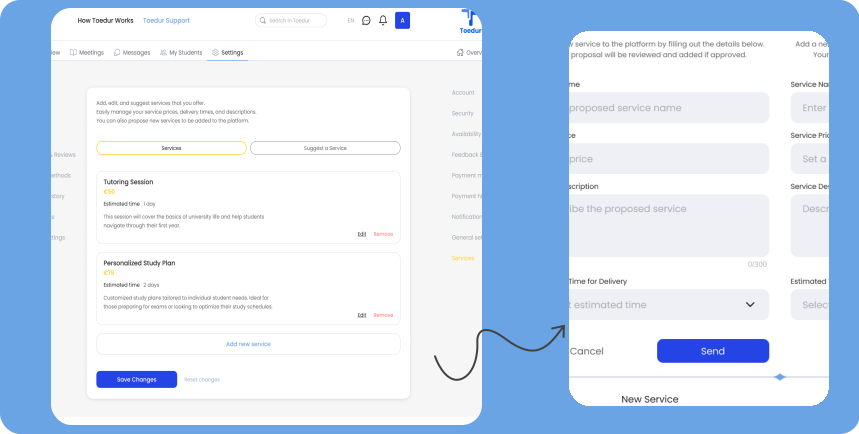
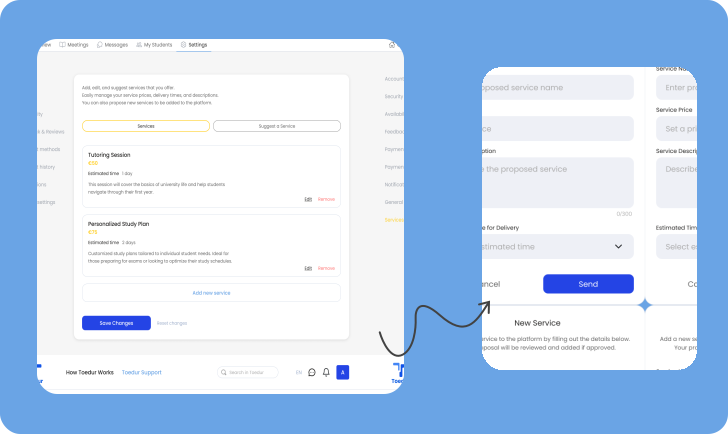
2.Add a New Service:
To list a new service, include the following details:
- Service Name : Provide a clear and descriptive name for the service you are offering.
- Price : Set a competitive price for the service. Consider researching what other Edurs charge for similar services and evaluate your qualifications and experience to determine a fair rate.
- Description : Write a brief description outlining what the service entails, including the areas of focus and what students can expect to gain from it.
- Estimated Time for Delivery : Specify how long it typically takes to deliver the service, whether it’s a single session or a series of meetings.
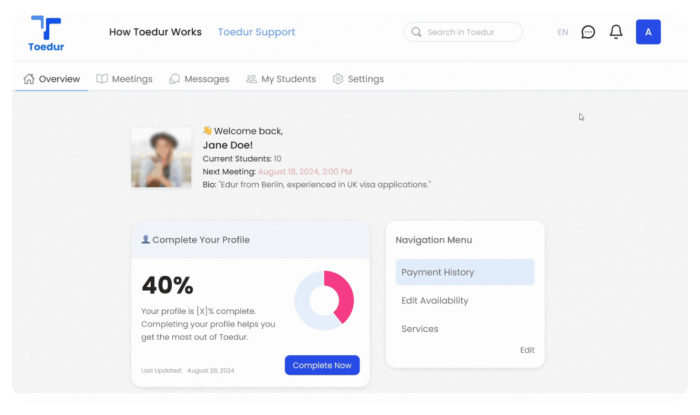
3.Highlight Qualifications:
If relevant, include any qualifications or experiences that support your ability to provide these services. This could be academic achievements, personal experiences, or previous mentoring roles.
4.Update Regularly:
As you gain new skills or experiences, be sure to update your services accordingly. This will keep your profile dynamic and reflect your current capabilities. By thoughtfully updating your profile information and clearly listing your services, you can create a strong Edur profile that effectively communicates your value to students in need of support.
5.Suggest a Service:
When an Edur suggests a service, Toedur will review it to ensure it aligns with the platform’s standards. Toedur will then inform the Edur if the service is approved or needs adjustments.
Give us feedback
Was this article useful?
Next Article

VAT and Freelancing Rules for Edurs
Learn about VAT and Freelancing Rules for Edurs
Last updated 10 October 2024Read time : 2 min