
Edur’s Account
Last updated 25 October 2024 Read time 2 min
- Contents
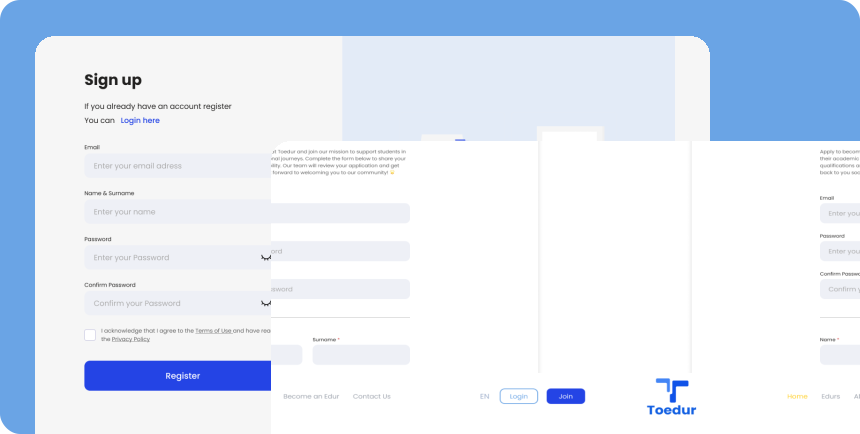
- How to Create an Account on Toedur?
- Securing Your Account
How to Create an Account on Toedur?
Starting as an Edur on Toedur is easy! Follow these steps to get your account set up and secure:
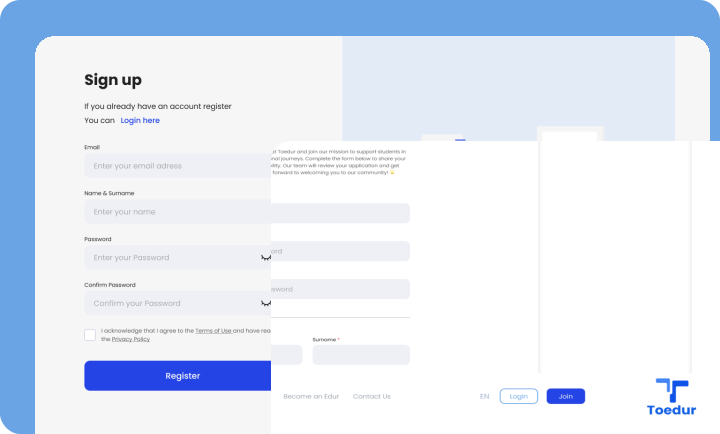
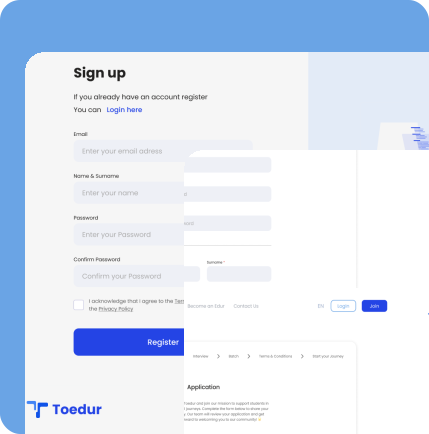
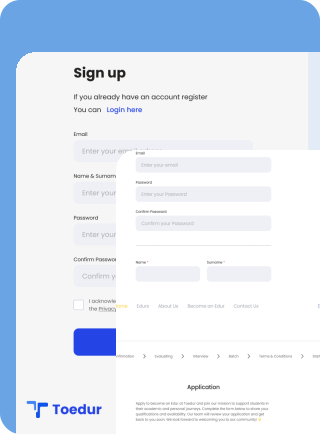
- Step-by-Step Registration: Begin by visiting the Toedur homepage and selecting “Join” Follow the on-screen prompts to enter your details, verify your email, and set up your Edur profile.



- Profile Completeness: Fill out important profile sections, including your background, expertise, and availability, to ensure students can find and understand your services.
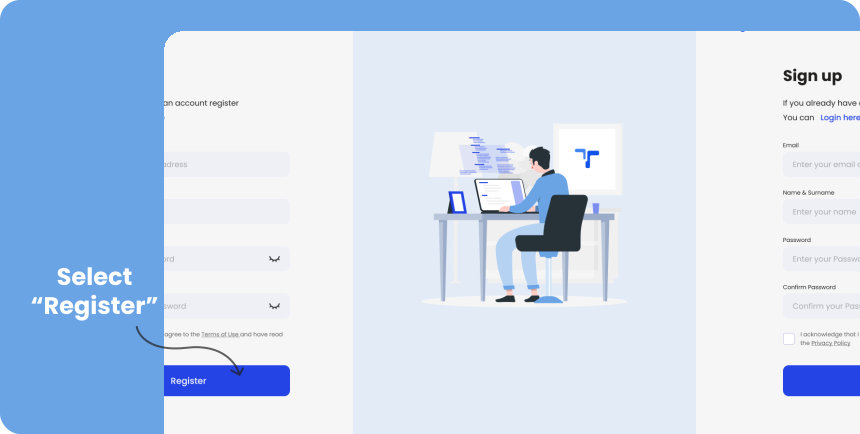
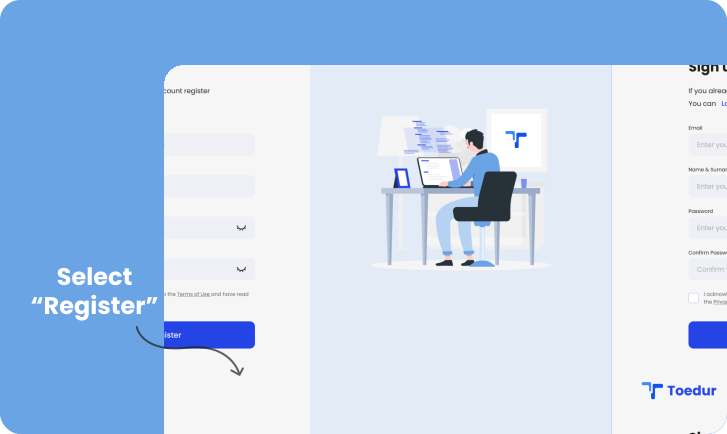
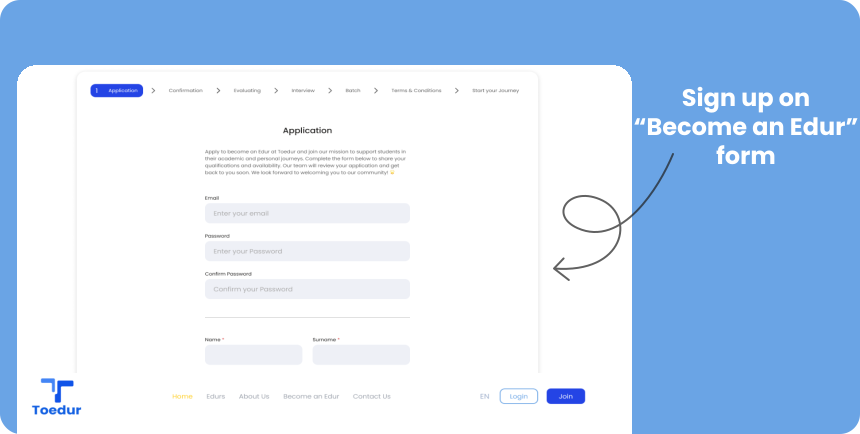
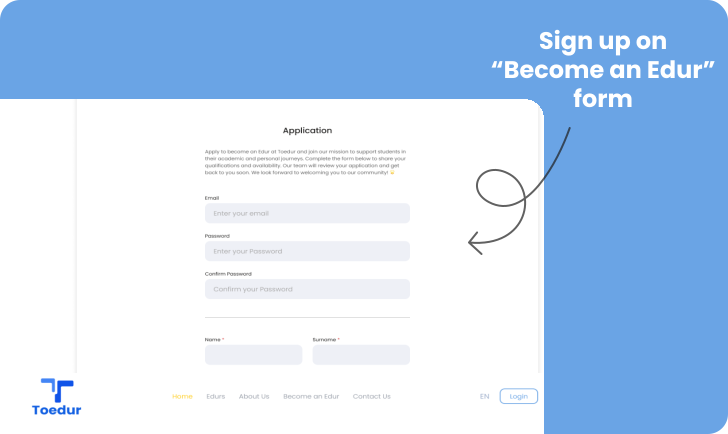
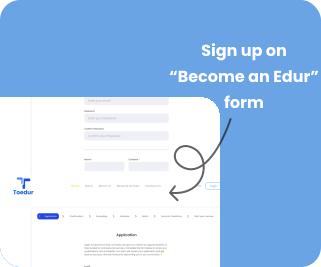
- Sign in or Apply Directly: Sign in or Apply Directly: If you already have an account, sign in and navigate to the “Become an Edur” application form. Complete and submit this form to apply as an Edur.
- If you don’t have an account yet, you can go directly to the “Become an Edur” page and fill out the application form. This form will also prompt you to sign up, allowing you to register and apply in one seamless process.
Securing Your Account
Account security is crucial to protect your personal information and ensure a safe experience on the Toedur platform. Here are some tips to help you keep your account secure:
- Use a Strong Password: Create a unique password that combines letters, numbers, and special characters. Avoid using easily guessable information, such as your name or birthdate.
- Keep Your Login Credentials Private: Never share your password or login details with anyone. Be cautious of phishing attempts and avoid clicking on suspicious links or emails that request your account information.
- Regularly Monitor Account Activity: Check your account activity periodically for any unauthorized access or changes. If you notice anything unusual, change your password immediately and report it to the support team.
- Log Out After Use: Always log out of your account, especially when accessing it on shared or public devices. This helps prevent unauthorized access to your account.
Give us feedback
Was this article useful?
Next Article

The Application Process
Learn about The Application Process
Last updated 10 October 2024Read time : 2 min