
Setting and Managing Availability
Last updated 25 October 2024 Read time 2 min
- Contents
- Overview
- Setting Availability for Consultations
- Calendar Management Tips
- Repetitive Calendar Features
Overview
Efficient scheduling ensures you’re available for students while maintaining a balanced workload. Here’s a guide to help you set and manage your availability on Toedur.
Choose Your Time Slots
Setting your availability is simple and helps students book sessions that fit your schedule.
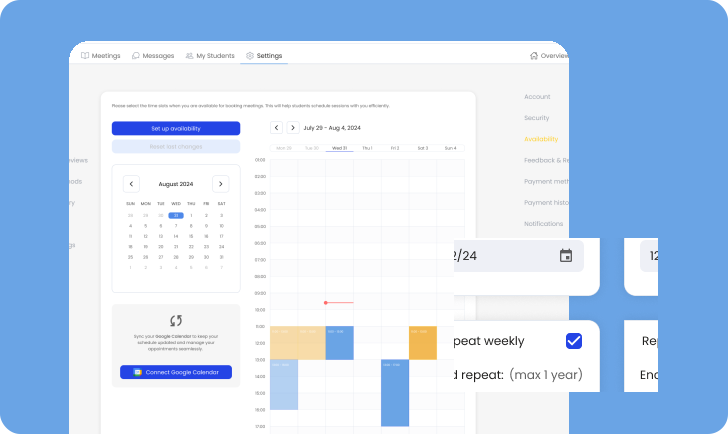
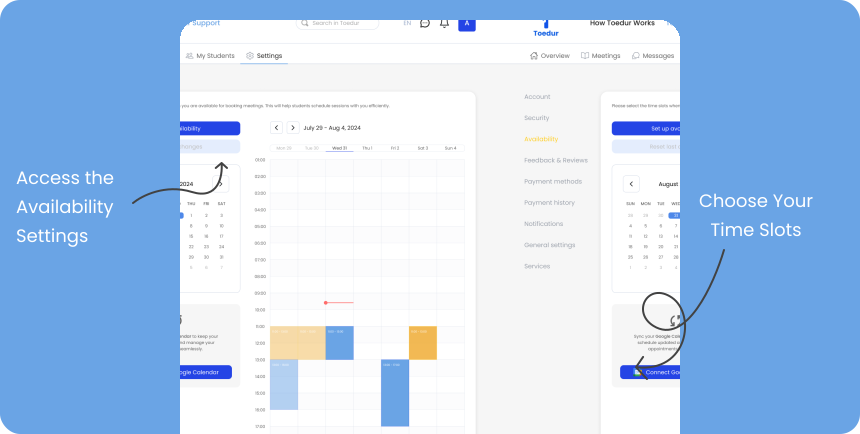
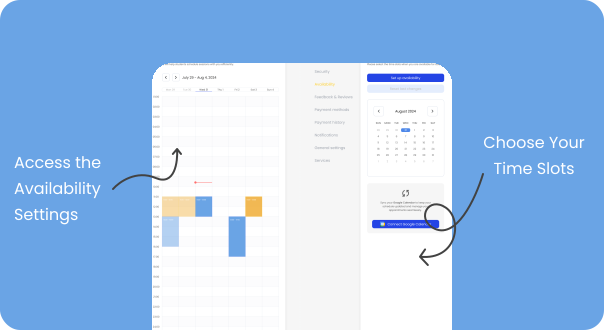
- Access the Availability Settings: Go to your profile settings and navigate to the “Availability” section.
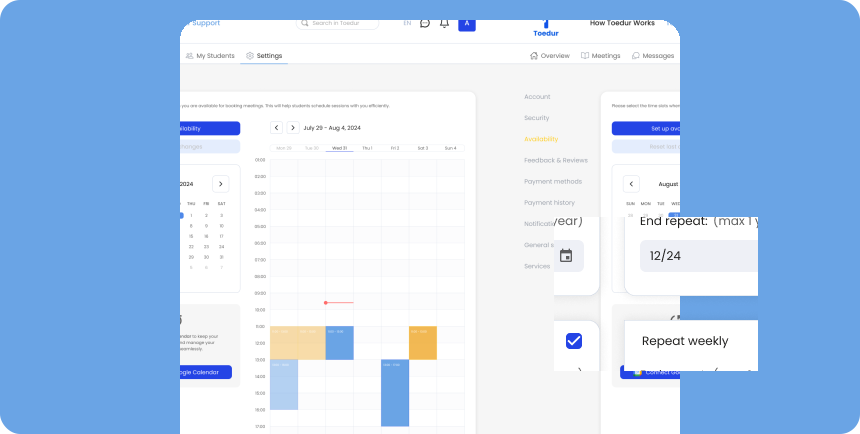
- Choose Your Time Slots: Select the days and hours you’re available for meetings. You can customize these weekly to accommodate your schedule.
- Update Regularly: Be sure to update your availability as often as needed to avoid conflicts or missed sessions
Calendar Management Tips
Staying organized is essential for successful consultations. Here are some tips:
- Set Up Reminders: Use Toedur’s built-in notifications or sync with Google Calendar to receive reminders about upcoming sessions.
- Plan Ahead: Schedule breaks and plan for potential time zone differences to manage sessions smoothly.
- Block Out Unavailable Time: Block out any time when you’re unavailable to avoid accidental bookings, ensuring a well-structured schedule.
Repetitive Calendar Features
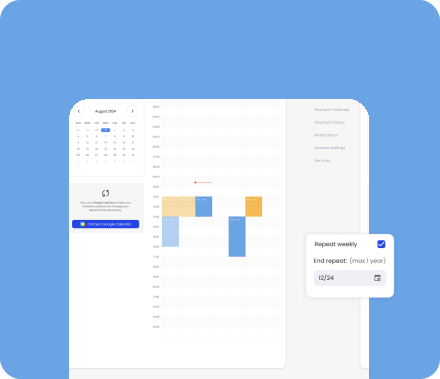
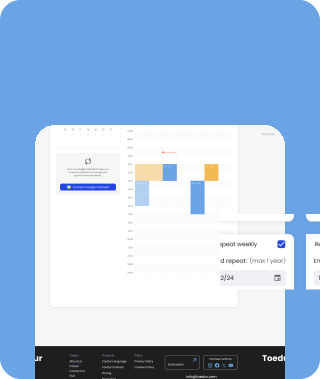
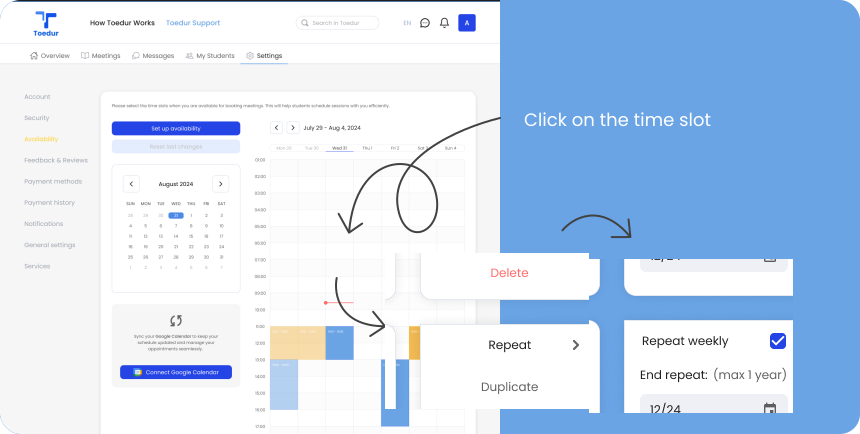
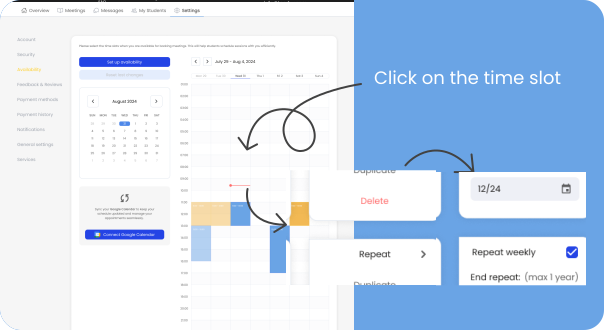
- Simplify Scheduling: When setting a time slot, you can choose to repeat it weekly or select custom dates for up to one year.
- Manage Time Slots: Click on a slot to repeat, duplicate, or delete it.
- Custom Repeat Options: Select “Repeat Weekly” or choose a specific end date to automate recurring sessions effortlessly.
- Save Time: This feature minimizes manual updates, giving you more time to focus on mentoring.
Give us feedback
Was this article useful?
Next Article

Syncing and Handling Sessions
Learn about Syncing and Handling Sessions
Last updated 10 October 2024Read time : 2 min