
Managing Your Earnings
Last updated 25 October 2024 Read time 2 min
- Contents
- Overview
- Reading and Understanding Earnings Reports
- Payment Schedule and Tracking
Overview
To help you track and understand your earnings, Toedur provides detailed reports and a clear payment schedule.
Reading and Understanding Earnings Reports
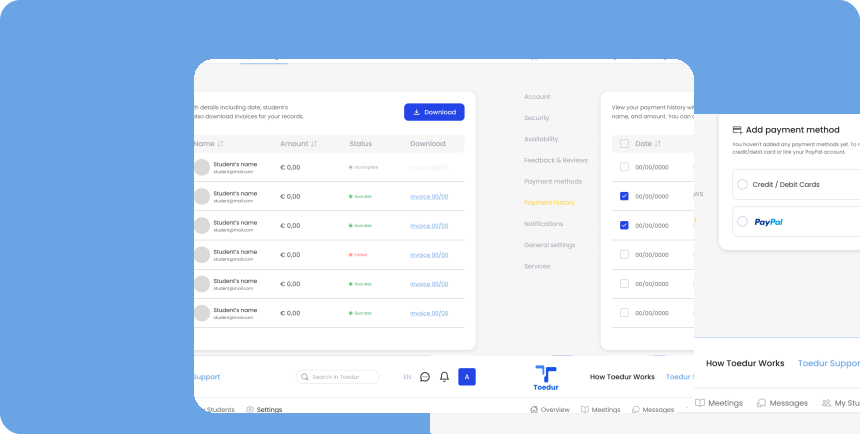
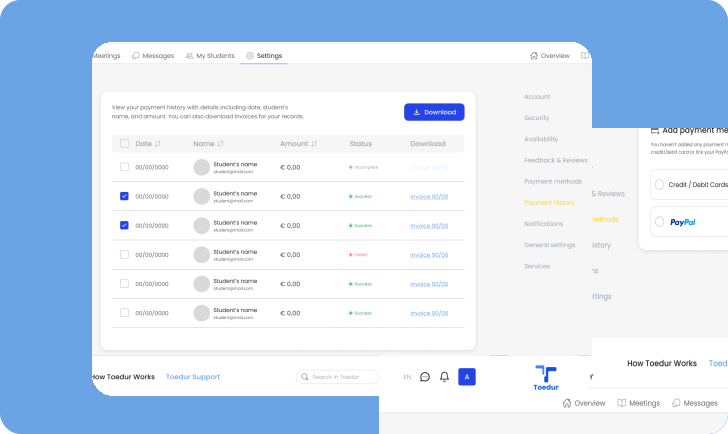
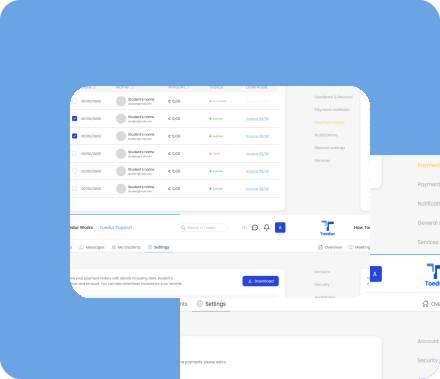
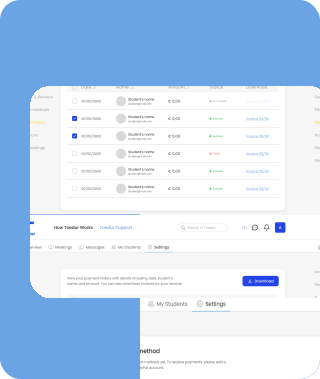
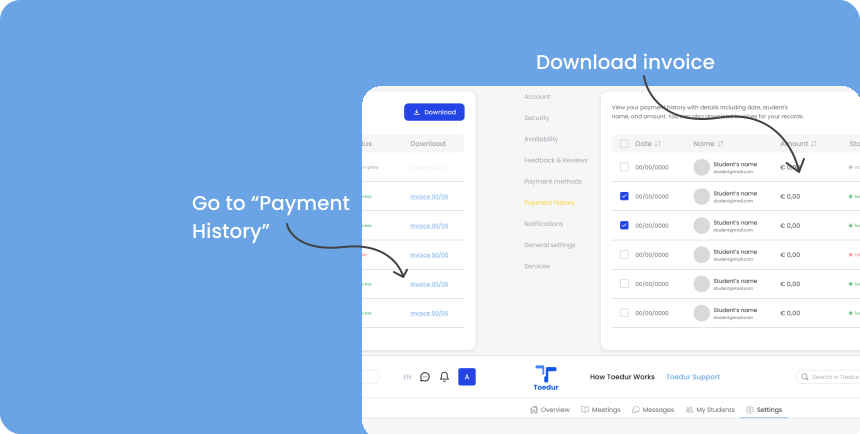
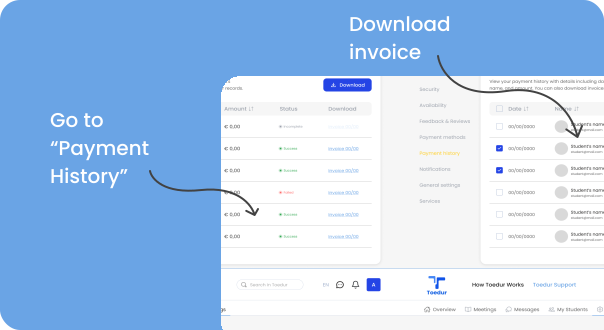
Your earnings report offers insights into your consultations and income. Access a detailed record of your payments in the “Payment History” section:
- Detailed Payment Information: Each entry includes the payment date, student’s name, and the amount earned per session, giving you a complete view of your transactions.
- Downloadable Invoices: For easy record-keeping, you can download invoices for each transaction, helping you stay organized and ready for tax or financial reporting.
Payment Schedule and Tracking
Stay on top of your payment schedule to know when earnings will reach you:
- Regular Payment Cycle: Toedur follows a regular payment cycle, detailed in your account settings, so you know when to expect funds.
- Notifications: You’ll receive notifications when payments are processed, ensuring you’re always informed about upcoming transactions.
Give us feedback
Was this article useful?
Next Article

Withdrawing Earnings and Tax Information
Learn about Withdrawing Earnings and Tax Information
Last updated 10 October 2024Read time : 2 min