
Support contact
Last updated 25 October 2024 Read time 2 min
- Contents
- How to Reach Toedur Support for Assistance?
How to Reach Toedur Support for Assistance?
If you encounter issues that you can't resolve through troubleshooting, Toedur provides easy access to their support team via the platform. Here's how you can contact Toedur support for help:
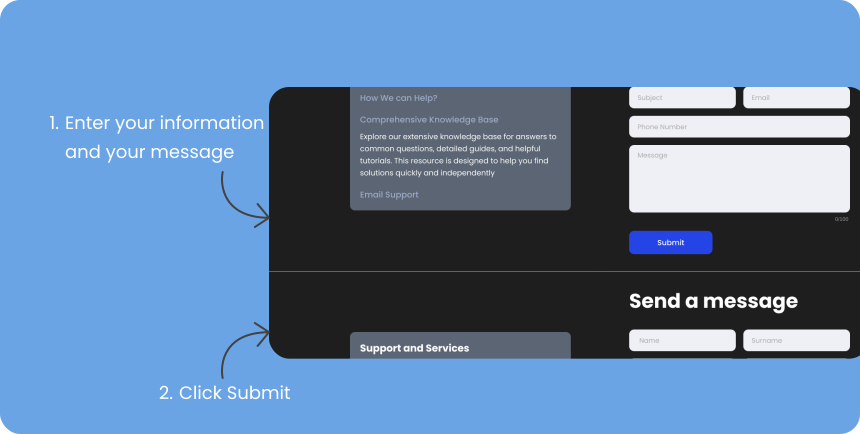
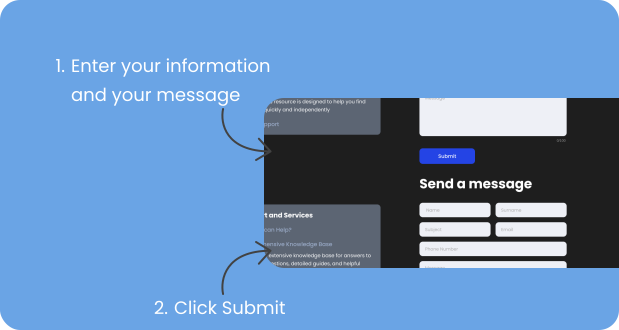
1. Using the Support form
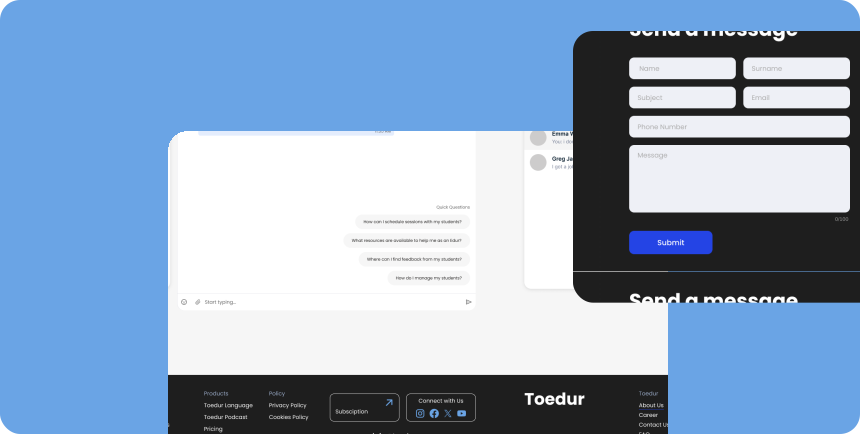
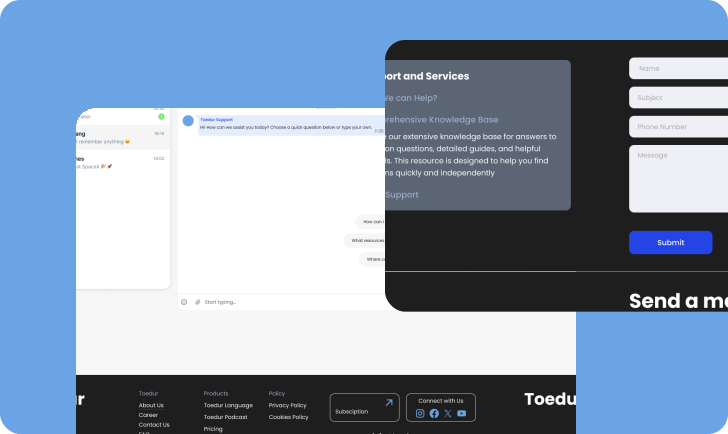
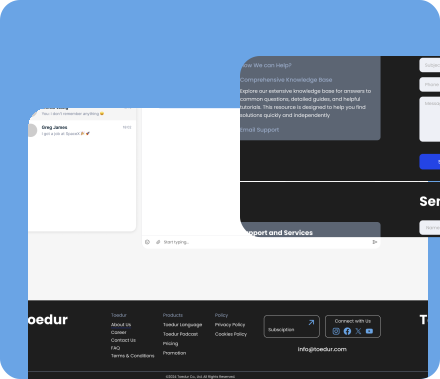
- Access the Support form: You can access this form directly from the footer of the platform.
- Submit a Message: If you can’t find a solution to your problem on the support page, there will be an option to submit a request for further assistance. This usually involves filling out a simple form with your account details and a description of the issue you’re facing. Be sure to include any relevant information, such as error messages or screenshots, to help the support team assist you more efficiently.
2. Contacting Support via In-Site Chat
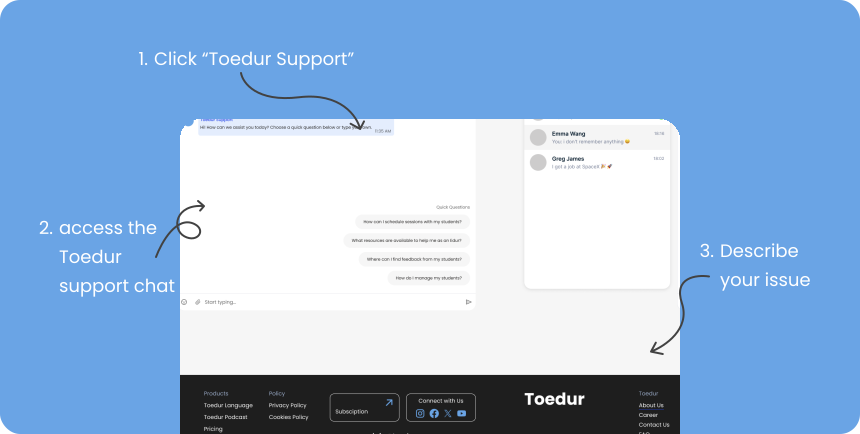
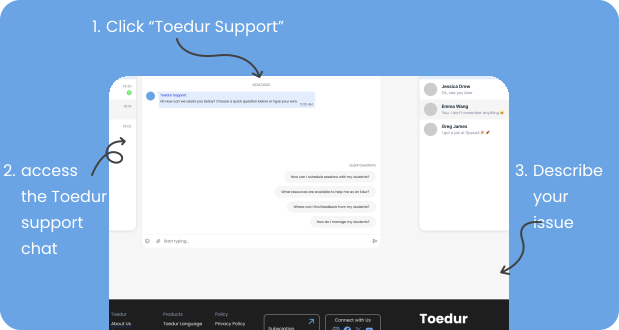
In-Site Chat System: For quicker help, Toedur offers a real-time chat system accessible directly on the platform. This in-site chat connects you instantly to the support team during business hours, allowing you to discuss and troubleshoot your issue immediately. To access the chat:
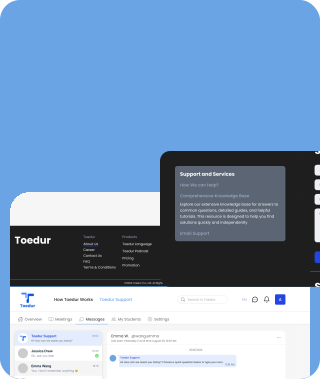
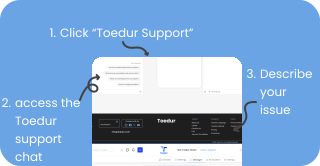
- Navigate to “Toedur Support”: Look for the navbar within your management panel
- Start a Chat Session: Click “Toedur Support” to initiate a conversation. Provide a brief description of your issue, and a support representative will assist you shortly.
3. Contacting Support via Email
If needed, you can also contact Toedur support by email. Look for the contact information on the support page or the platform’s help section. When sending an email, include the following details:
- Your account information (info@toedur.com)
- A clear description of the issue
- Any error messages, screenshots, or other helpful details
4. Support Hours and Response Time
- Response Time: Toedur’s support team typically responds within 24-48 hours during regular business hours, which are usually Monday through Friday. Keep in mind that response times may vary depending on the volume of requests.
- Support Hours: Toedur’s support operates during business hours, and you can find their specific hours on the support page.
5. Exploring the Help Section and Resources
- Help Section: Toedur’s help section is full of useful resources, including FAQs and guides to help you resolve common issues. Before reaching out to support, check this section for quick solutions.
- Knowledge Base: If available, Toedur’s knowledge base is another helpful resource where you can browse articles on troubleshooting, platform features, and best practices.
Give us feedback
Was this article useful?
Next Article

Device & Software Recommendations
Learn about Device & Software Recommendations
Last updated 10 October 2024Read time : 2 min